Going Pro
What the free plan includes, and what Pro adds
The free plan
A free account keeps the whole record, for good: unlimited stops, trips and saved locations on one vehicle, every entry type, the scores, the arrival and departure levels, the map and your history, logging with no signal, and sync across your devices. The two sample trips and the two vans that come with them don't count as your vehicle, and their trip summaries are open to everyone, so you can see what a trip summary shows before you decide.
What Pro adds
Pro adds it up. Trip summaries show the route on a map, every cost category totalled and opened to the entries behind it, fuel consumption and spend per day. Pro lets you run more than one vehicle, each with its own profile and systems.
Pro also reports by period rather than by trip. From My Trips, the Reports row adds up a whole calendar month, or any dates you choose, across every trip at once: total spend and a daily average, where the money went, fuel, gas and distance. If you live in the van and never really start or finish a trip, that is the figure you are after, and the Trips & Vehicles guide walks through it.
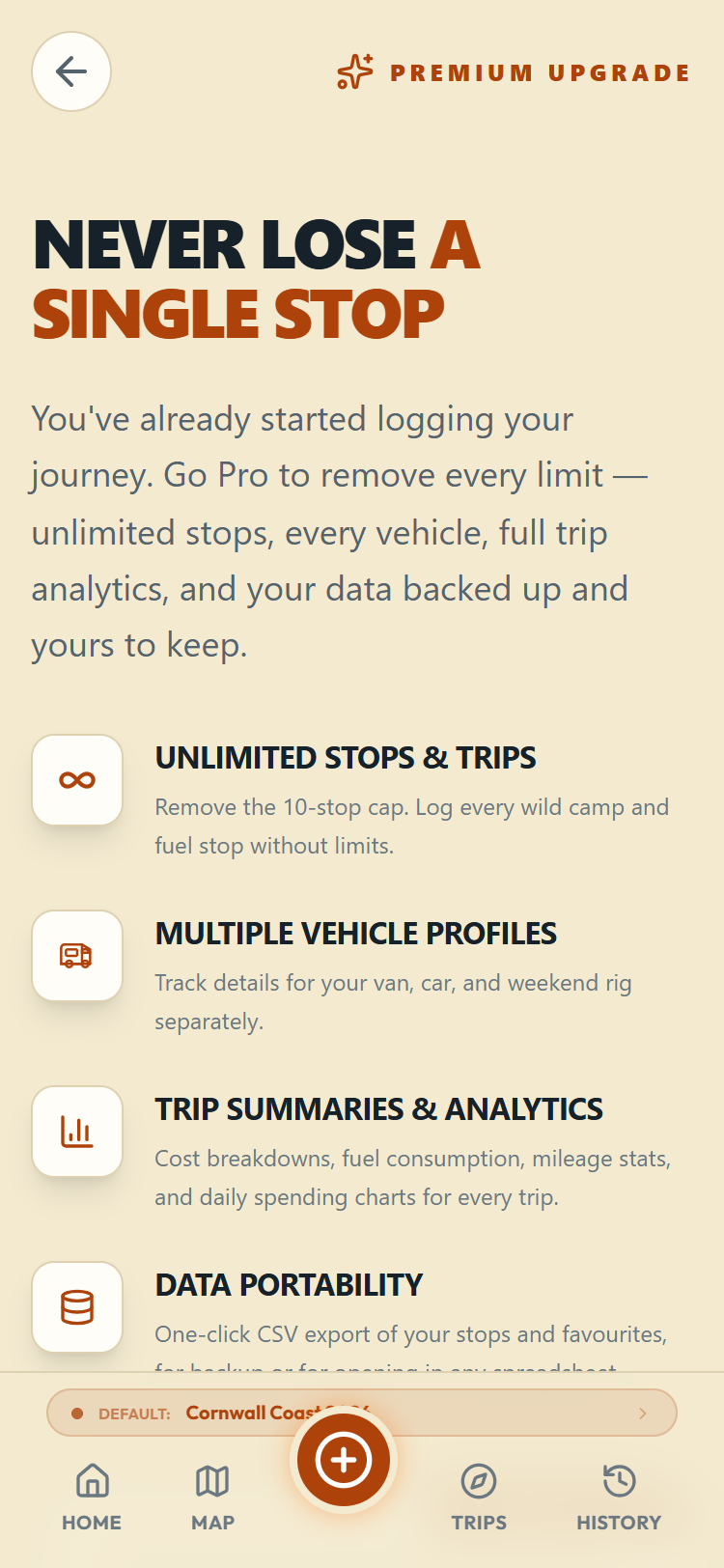
Upgrading
Pro is an annual subscription bought inside the mobile app, through the App Store on iPhone or Google Play on Android, with their normal payment sheets. The price is shown on the upgrade page before you commit, along with links to the terms and the privacy policy, and you can cancel any time in your store's subscription settings. If you are reading this in a web browser on a computer, the upgrade page gives you the store links instead: the subscription is bought in the app.
Codes work differently depending on where you are, so it is worth knowing which one you have:
An access code (the kind that unlocks Pro outright) is entered under "Have an access code?" on the upgrade page, or under Account & Security. You will find it on Android and in a web browser. It is not there on iPhone or iPad. Apple requires subscriptions to be handled by the App Store, so on an Apple device that box is not shown, and an access code cannot be redeemed in the app. If you have been given one and you are on an iPhone, get in touch through Help and we will sort it out another way.
A discount code (the kind that changes the price rather than unlocking Pro) is entered under "Have a discount code?" on the upgrade page in the Android app. On iPhone, discounts come as App Store offer codes, which you redeem in the App Store itself rather than here.