Help & Feedback
Where to look things up, and how to reach us
Finding help
Everything lives under Home > Help: the Quick Guide and the guided tour of the app (replay either any time), this User Guide, and the About, Privacy and Terms pages.
Sending feedback
1
Open Feedback & Support
From Help, or straight from the Home menu.
2
Pick what kind of message it is
Bug, Idea, or Praise if it's working for you. The fourth option, Logs, attaches technical details from your device; use it when we ask, or when something odd keeps happening, since it helps us find the cause much faster.
3
Tell us, then send
Plain words are perfect. What you did, what you expected, what happened.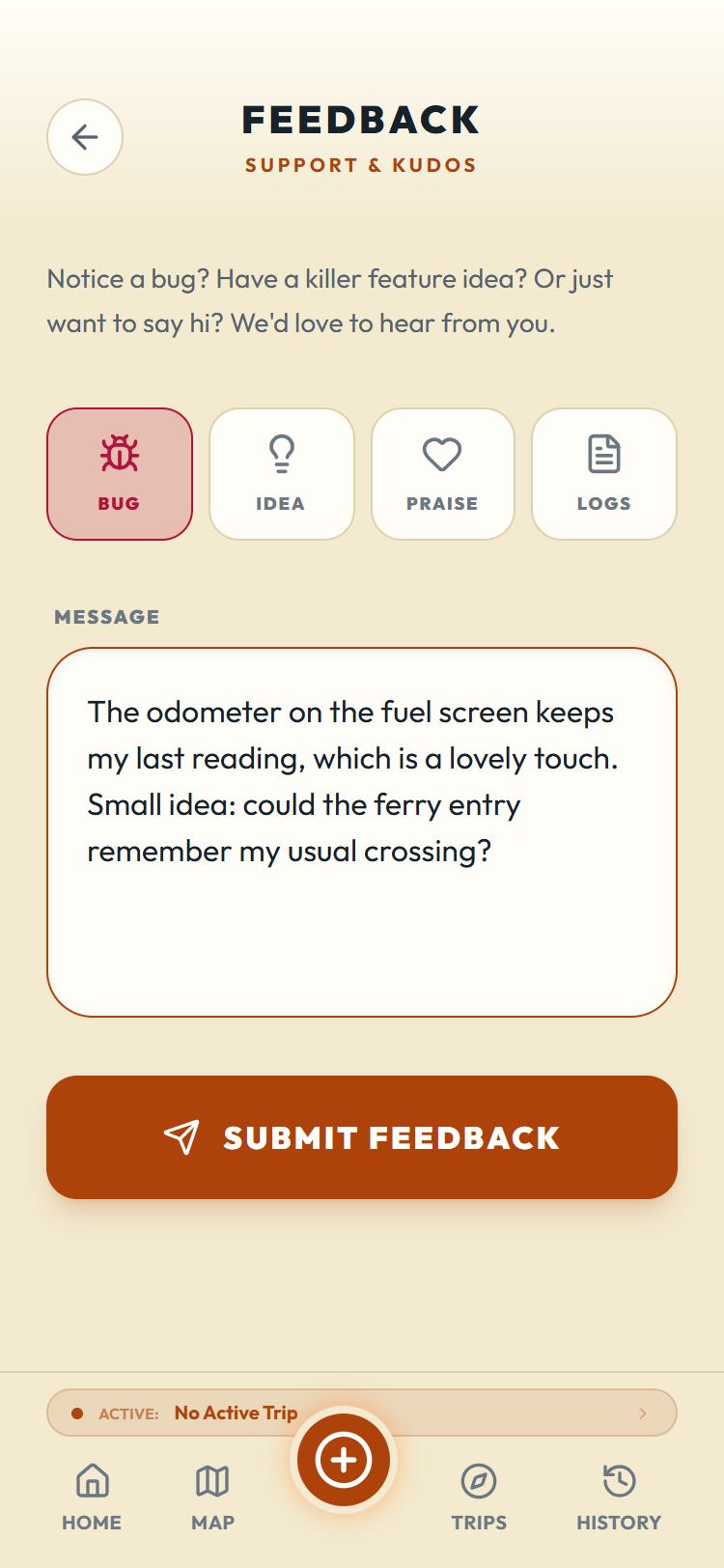
Every message opens a real support ticket; you'll get a reference number on screen, and replies come to your account's email address.
Bug reports with the stop or screen name in them get fixed faster. "The ferry save button on the return leg" beats "it crashed" every time.