Saved Locations
Your library of places worth coming back to
What a saved location is
A saved location is a place you want to find again: a wild parkup, a campsite, an aire, a service point or a fuel stop. It's separate from your trip log; think of it as your own private directory, built from experience.
The best time to save a spot is while you're stood in it. Two taps now beats trying to remember which layby it was in March.
Saving a place
1
From the map, or from the list
Tap any empty spot on the Map and choose Save Favourite, or tap Add Location on the Saved Locations page. The app fills in the place name from the GPS position; you can change it.
2
Describe it
Pick the type, rate the noise, views and signal, note how level the ground is, and tick the facilities it offers (with prices if you know them).
3
Write the note your future self needs
Gate codes, height barriers, which entrance actually fits a motorhome, where the water tap hides. This box is the whole point.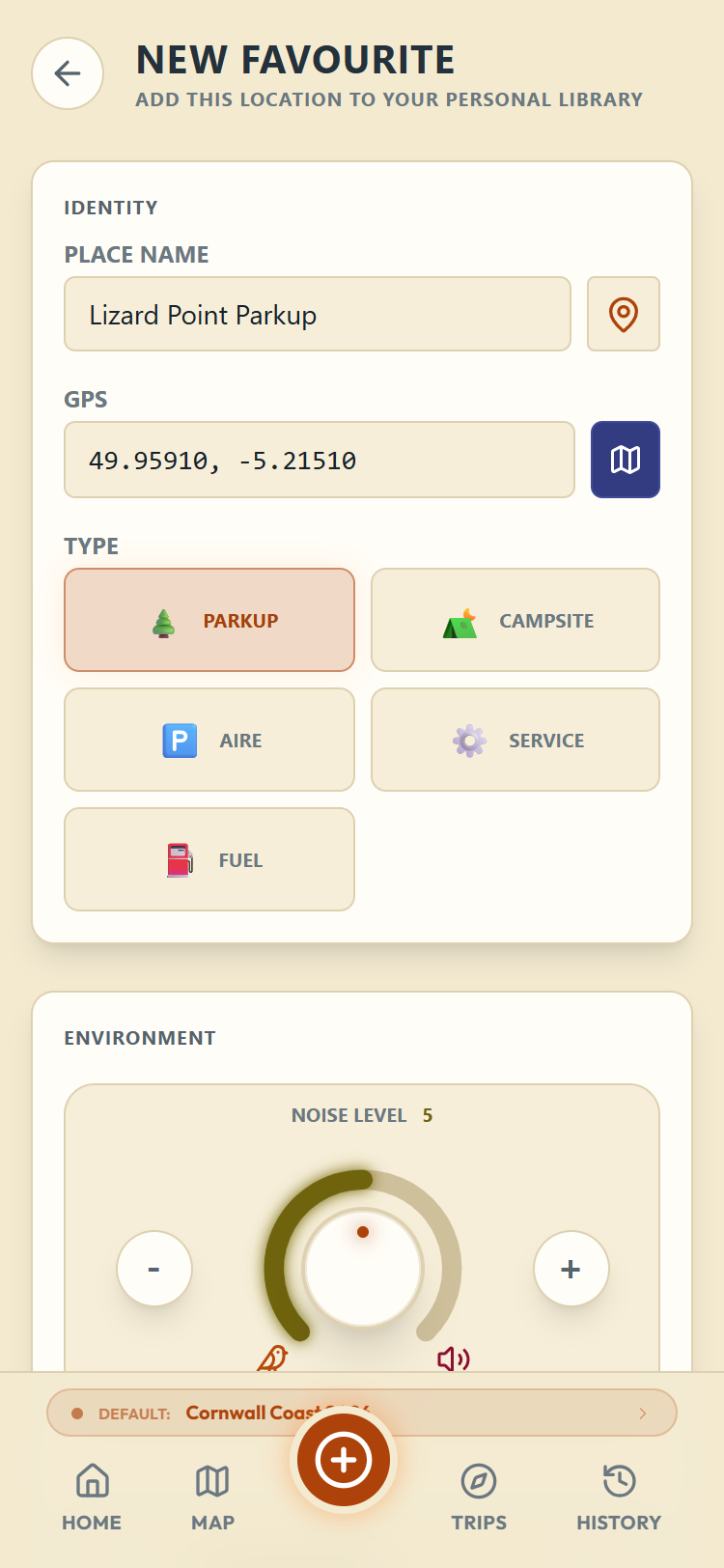
Finding and using them
The Saved Locations page shows everything on a map plus a searchable list. Search covers names and notes; the chips filter by type. Each card shows the exact GPS position, the facilities, your scores and your notes.
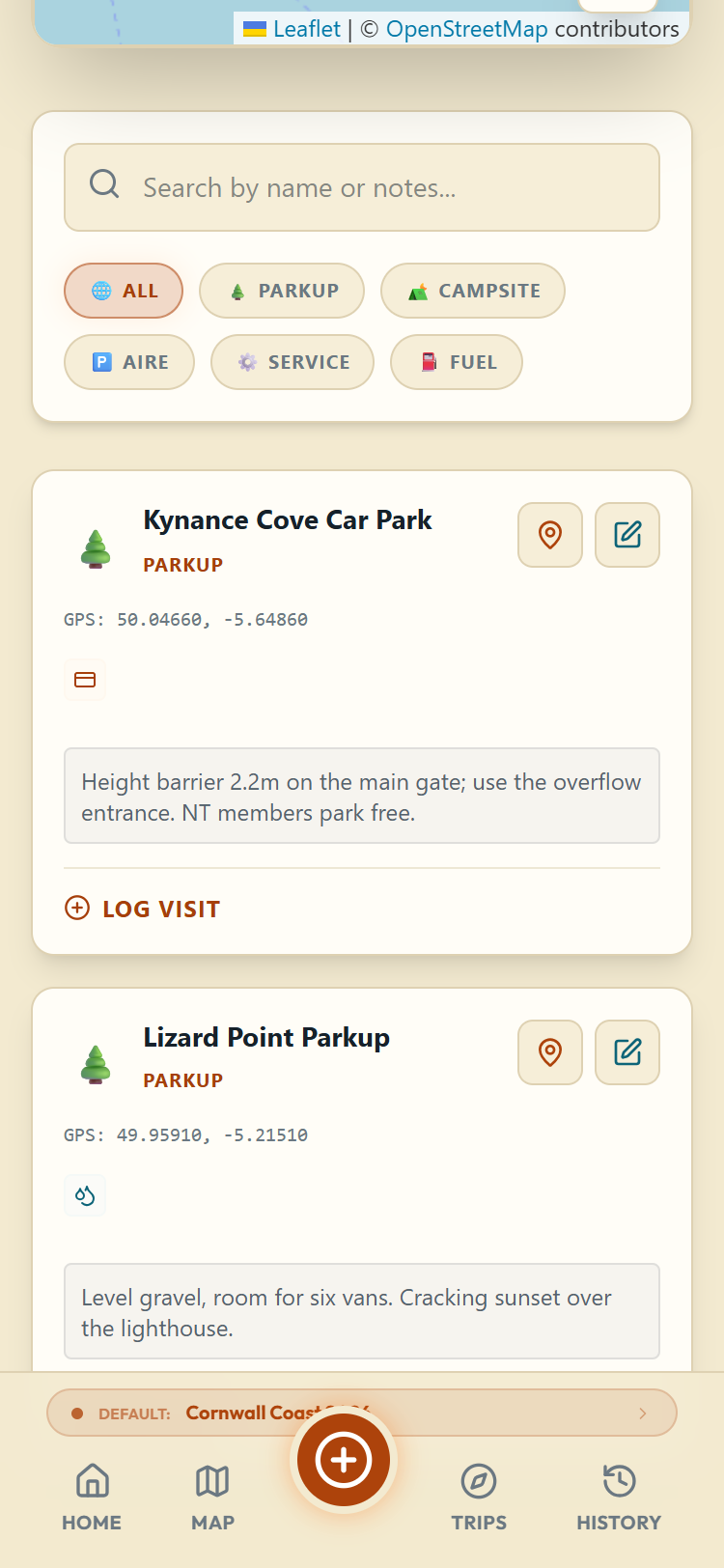
From a card: View on Map jumps to it on the map, Edit opens it for changes, and Log Visit starts a new stop entry already filled in with the place, for the next time you actually stay there.
Your saved locations show on the main Map with a star, so when you're looking for tonight's stop, the places you already trust are one glance away.